WayFinding
Library Navigation System
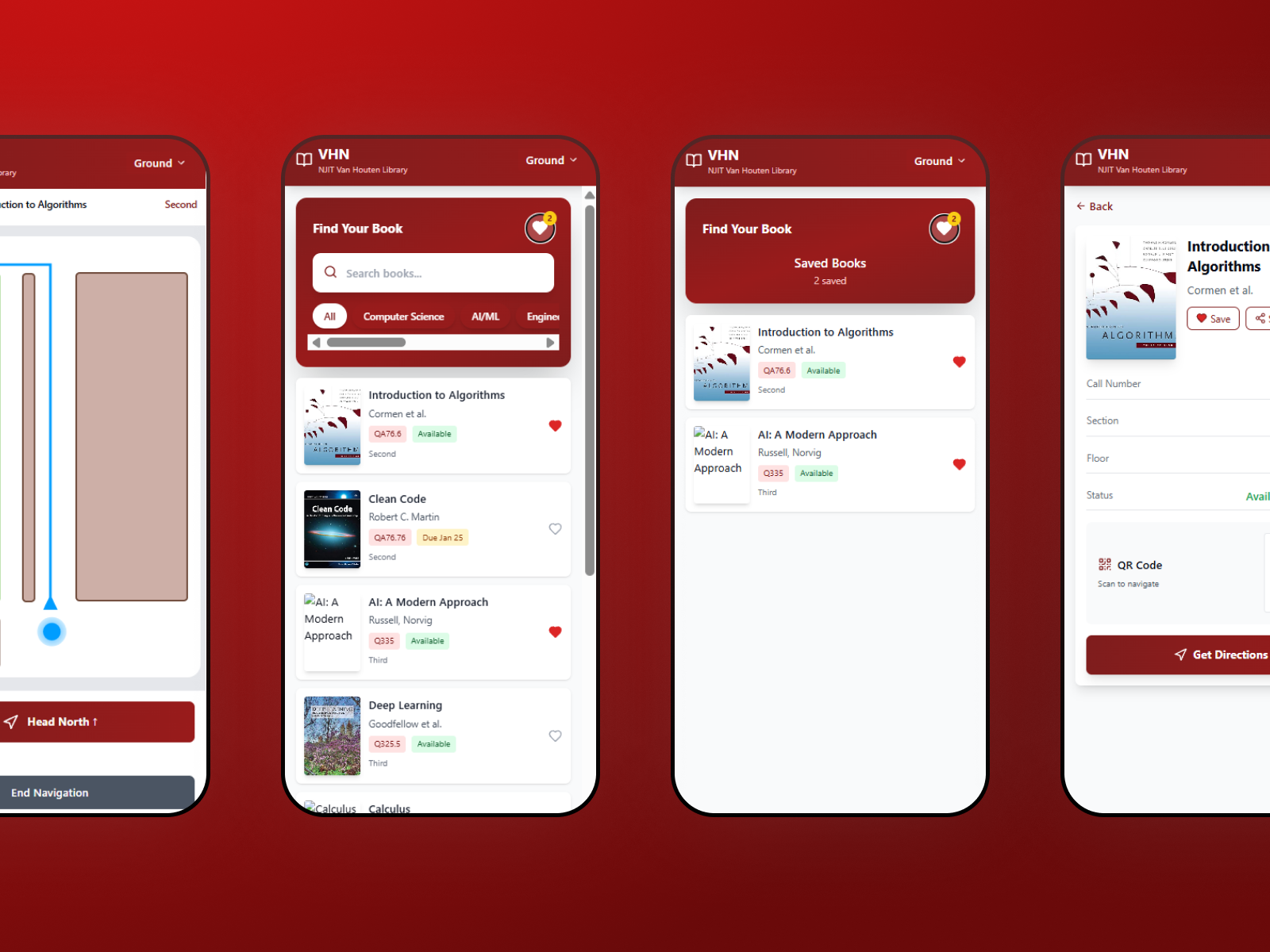
A centralized kiosk synced with a mobile app that improves physical library wayfinding through interactive maps and navigation — reducing navigation time by 70%.
Average navigation time reduced to ~9.5 minutes across all user testing sessions.
Self-reported ease-of-use improvement across all testing sessions with real library users.
Students often struggle to navigate the library, leading to frustration, wasted time, and underutilization of resources. The library lacks an accessible wayfinding system integrated with its existing database.
Create a solution that improves physical navigation in the library while increasing efficiency and accessibility for all users.
- Library anxiety deters people from using available resources.
- Users feel uncomfortable repeatedly asking librarians for help.
- The library book naming convention is confusing for many users.
- Most visitors go directly to the front desk for navigation assistance.
- Participants often photograph book numbers on their phones while navigating.
Field research was conducted directly in the library environment — observing real navigation patterns, interviewing students mid-session, and mapping the most common points of confusion and abandonment.
.png)
.png)
.png)
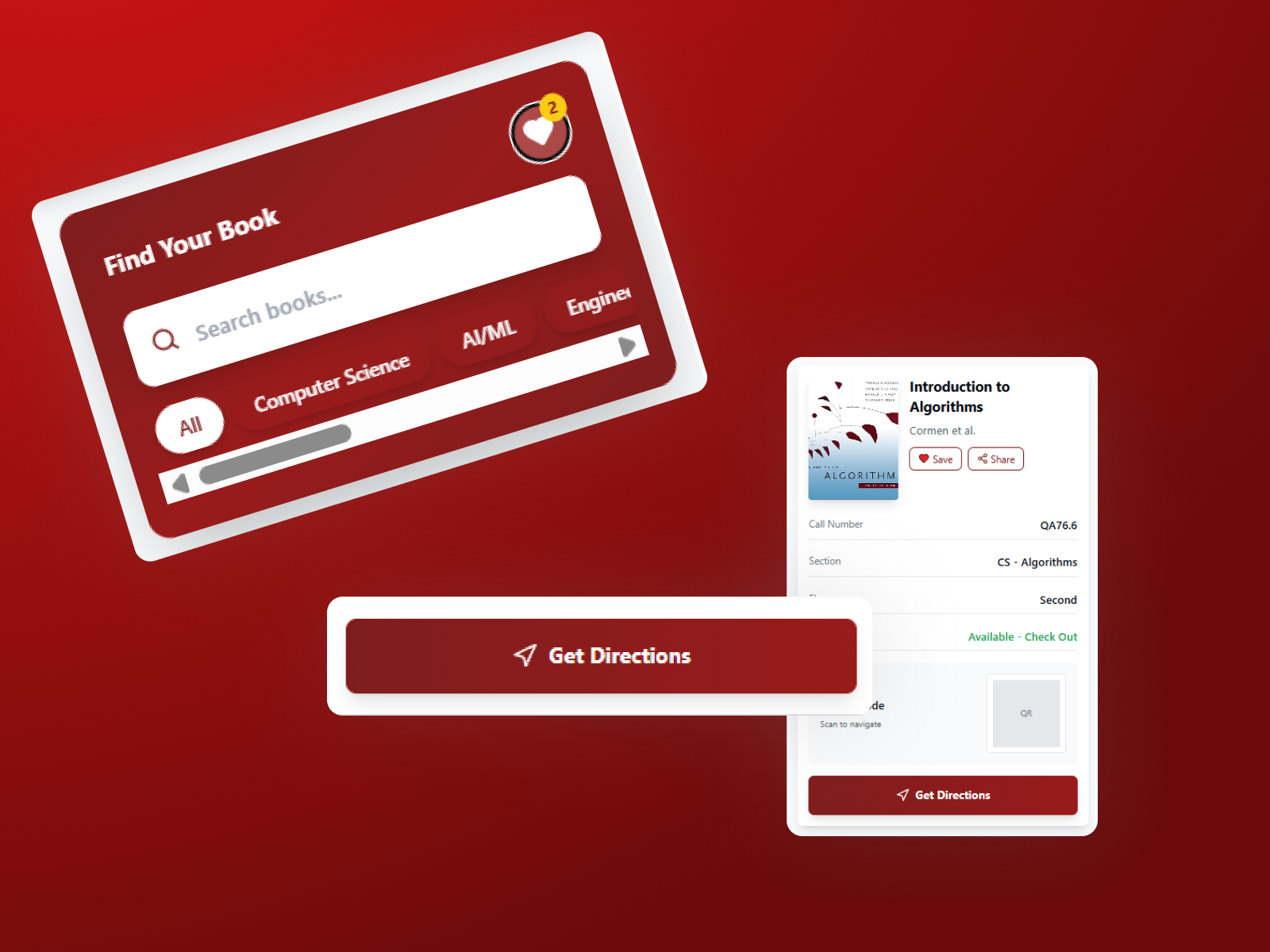
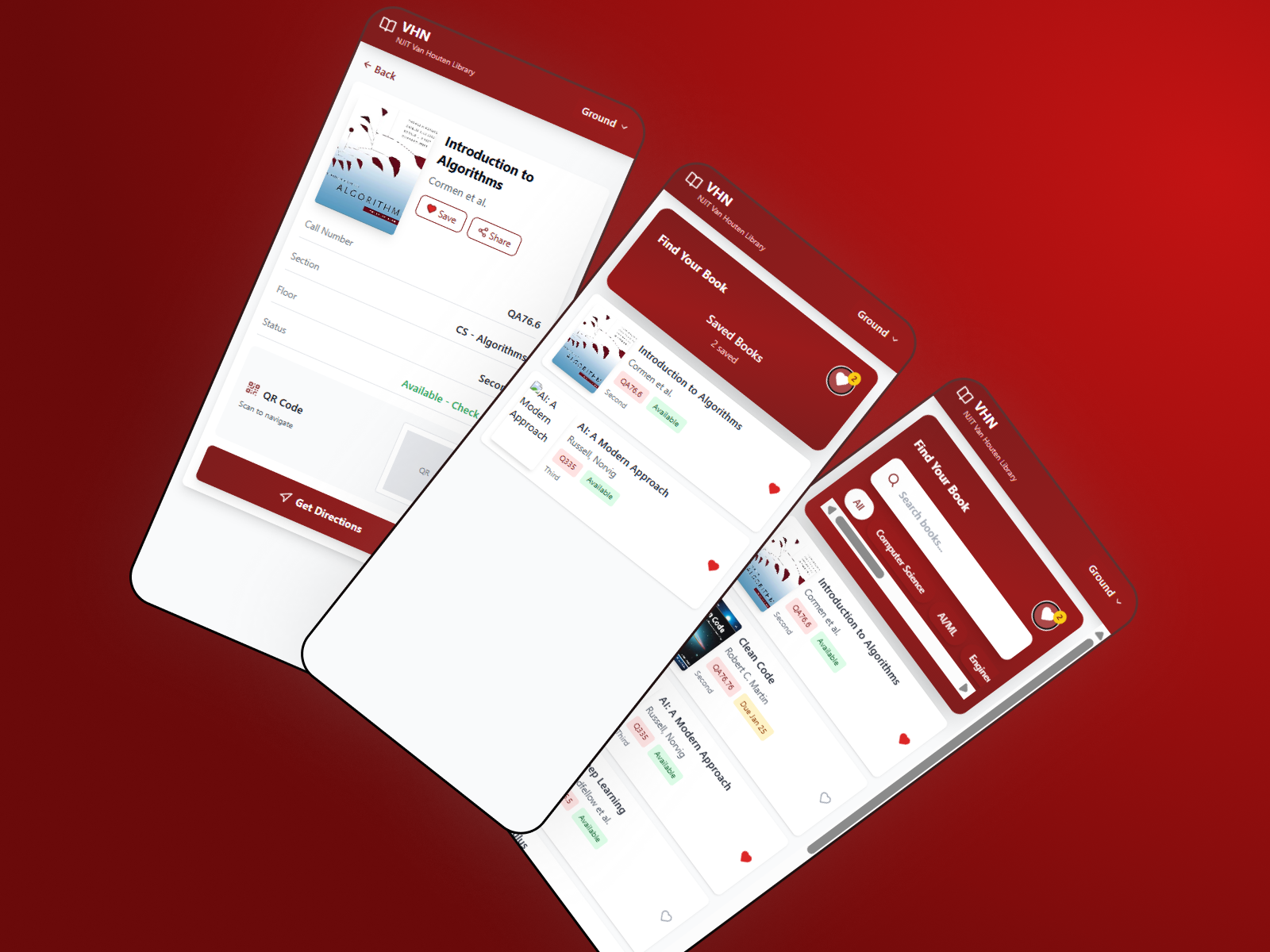
Book search and guided routing from any point in the library — scan a QR code to transfer your route to your phone instantly.
Bluetooth beacon network provides turn-by-turn routing inside the library — no GPS signal required.
Proximity-based haptic feedback provides non-visual navigation cues for users with visual impairments — designed for one-handed use.
Routing engine and beacon management layer connects to the library's existing catalog database — no manual location tagging required.
.png)
Home
.png)
Search
.png)
Map
.png)
Navigation
.png)
Directions